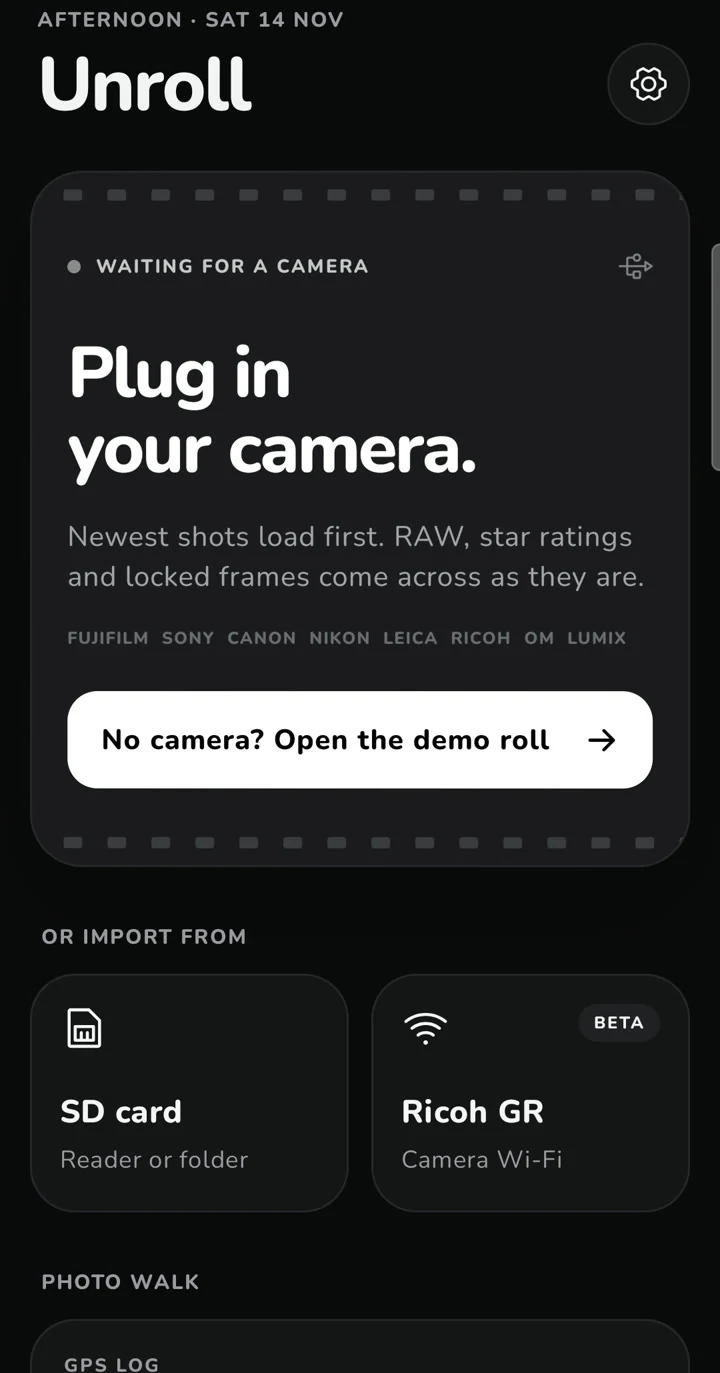
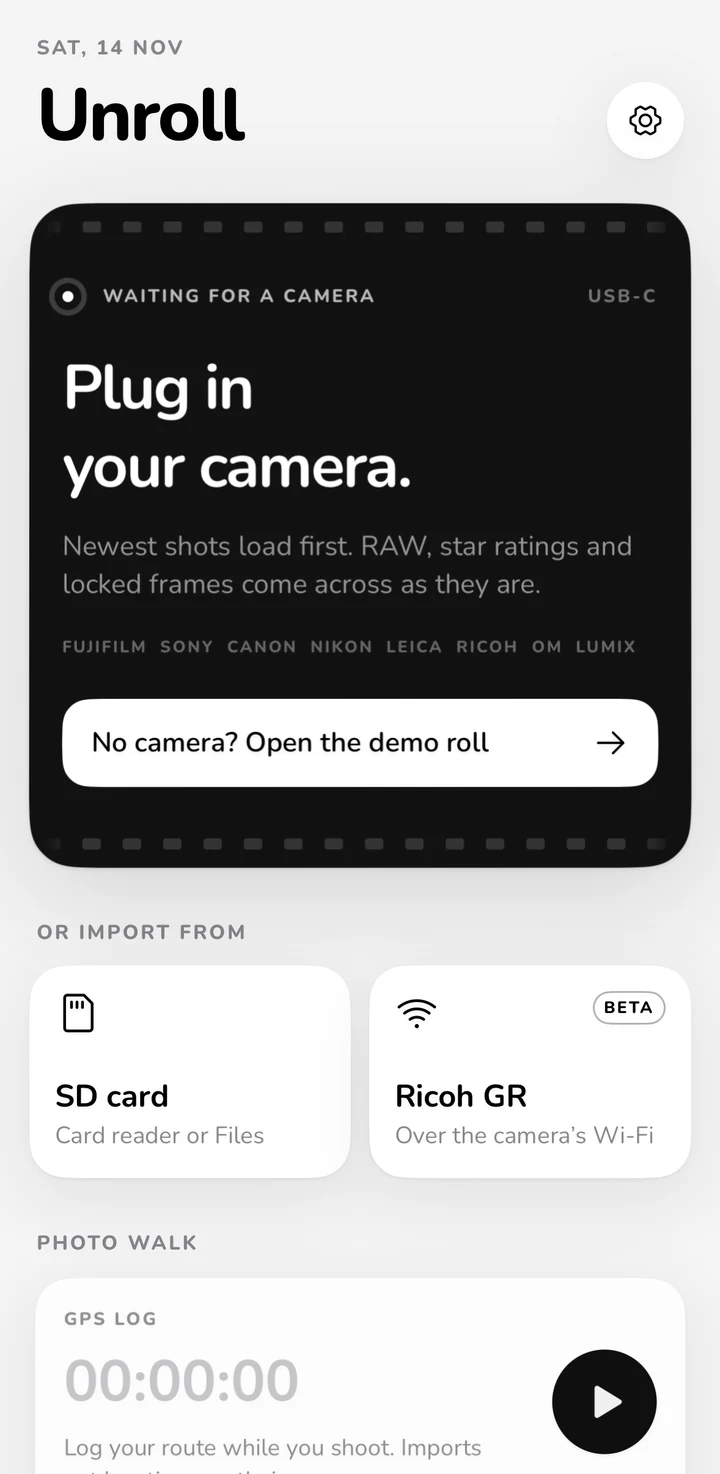
Unroll puts the entire import → filter picks → decode film recipes → geotag → EXIF frame workflow in one fast monochrome app. Connect via USB-C or an SD card reader and your newest shots appear first — no Bluetooth pairing, no account, no cloud.
Select each stage to see how Unroll keeps originals intact while fixing the slow parts of official manufacturer apps.
USB-C · SD Card · Ricoh GR Wi-Fi
No Bluetooth pairing. Your newest shots appear first.
Official camera apps stall while downloading thumbnails for an entire SD card. Unroll reads backwards from the newest files and fetches only the leading 192 KB header.
01On-demand viewport thumbnails cached locally for instant re-connects later.
02Keep shooting while tethered: PTP/MTP ObjectAdded events bring new frames in live (auto-import on Pro).
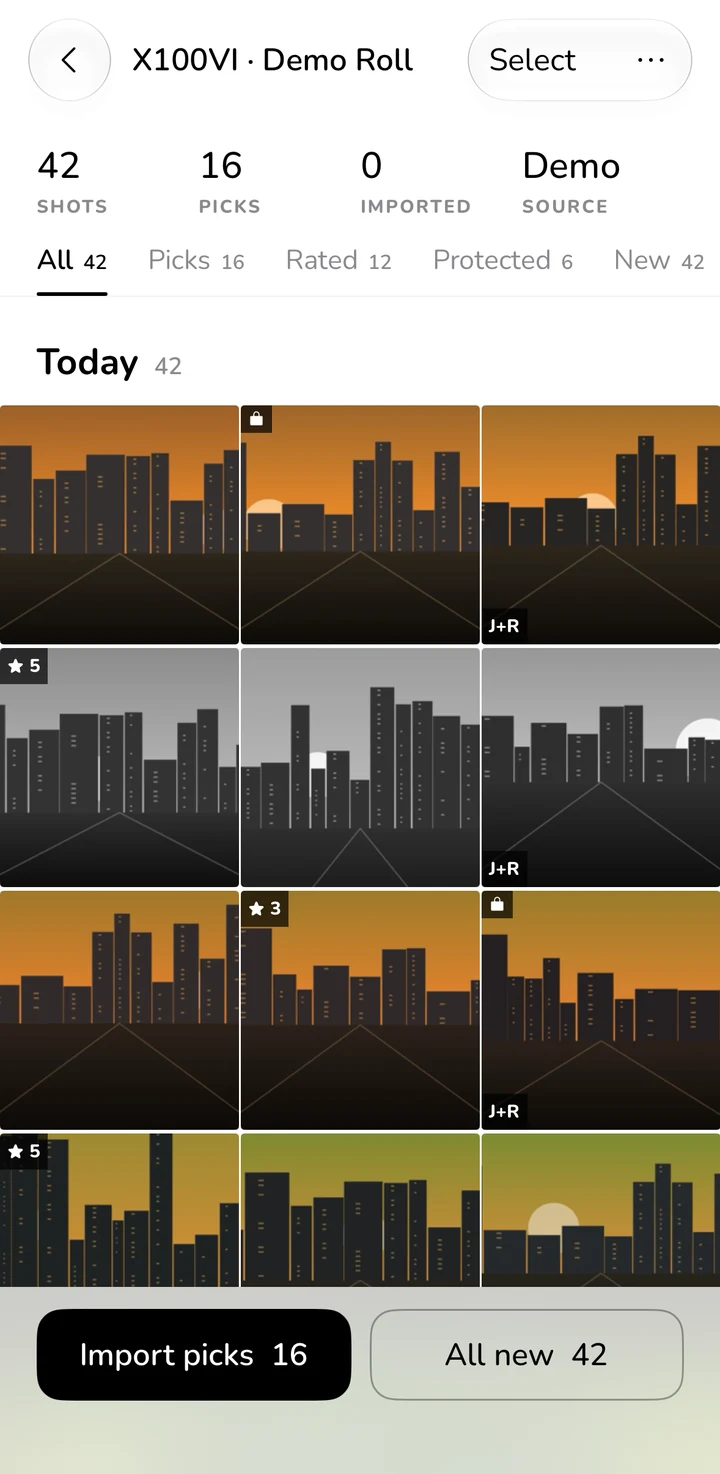
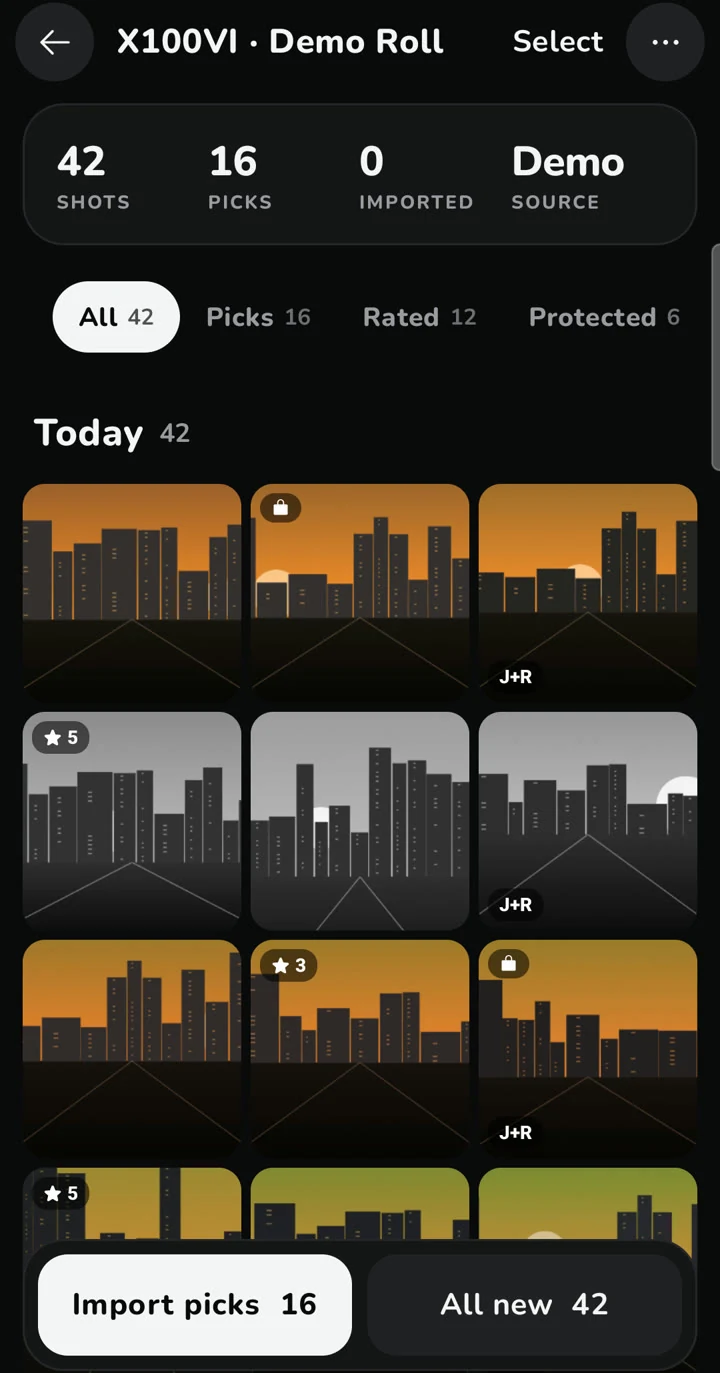
03No camera handy? Tap Open the demo roll to explore 42 simulated Fujifilm X100VI shots.
Picks · Rated · Protected · J+R
Rate or lock keepers in-camera. Import them in one tap.
If you flag keepers in the viewfinder with Star Rating (★) or Protect (🔒), filter directly to those shots instead of scrolling past hundreds of frames.
01Decodes 1–5★ ratings from Fuji MakerNote 0x1431, Sony 0x2002, EXIF 0x4746, XMP, and camera Protect 🔒 flags.
02Pairs JPG + RAW into a single unified Photos asset on iOS, or side-by-side matching filenames in DCIM/Unroll on Android.
03Import Ledger remembers previously imported shots so All new never creates duplicates.
Recipe Book · MakerNote Decoder
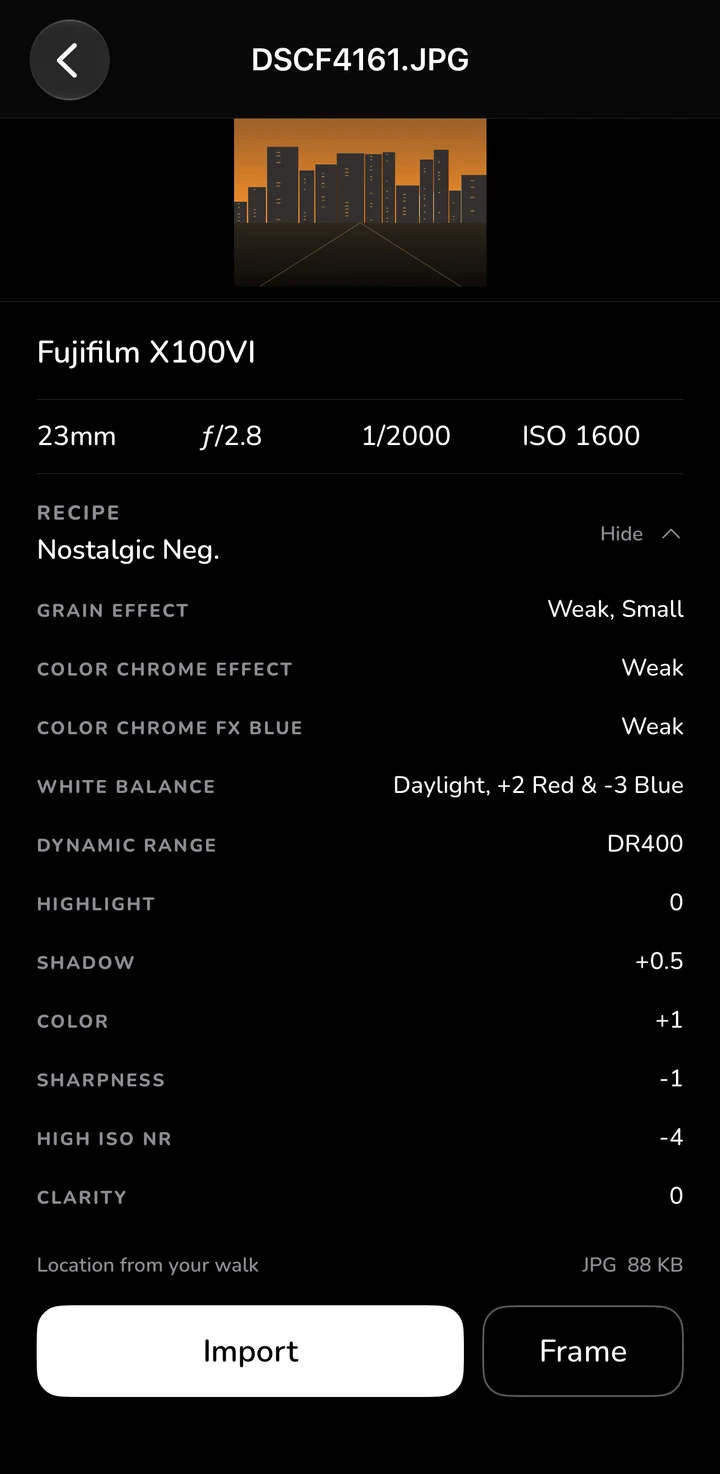
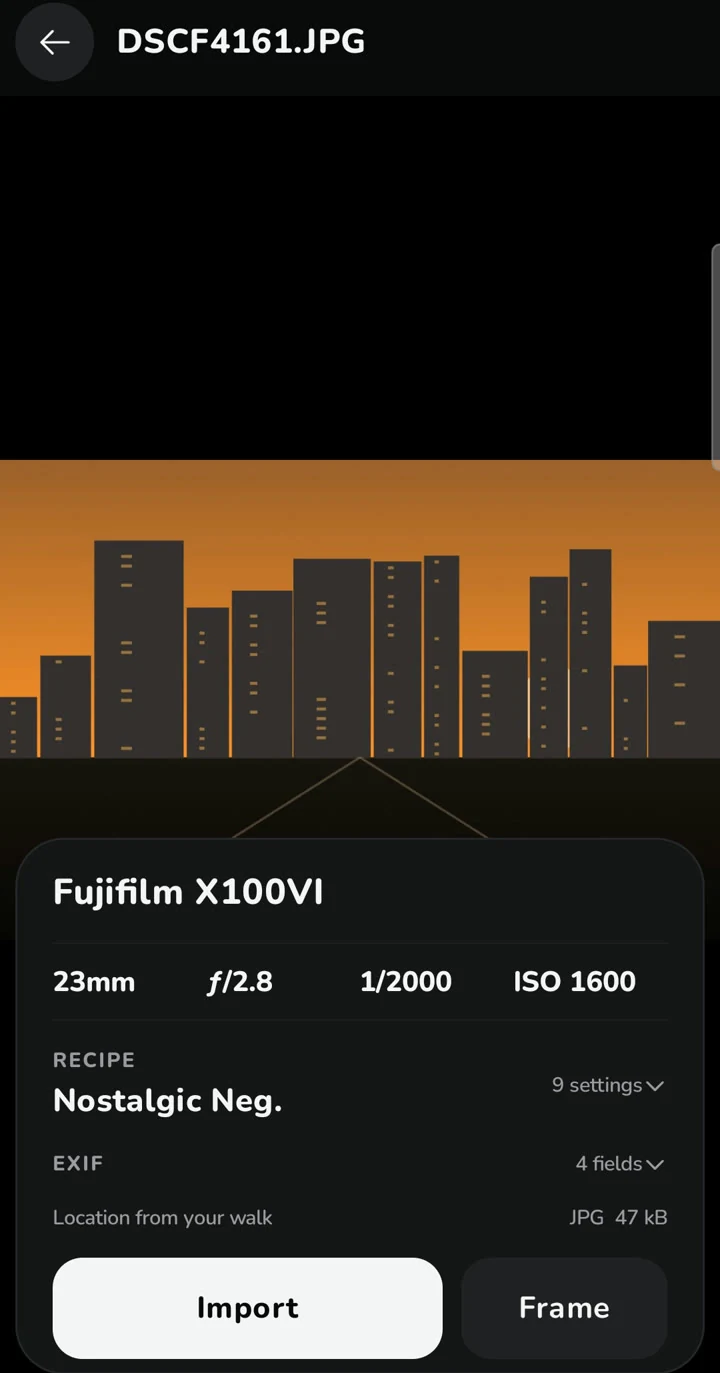
Full Fujifilm recipe decoding, organized automatically.
Never forget which film simulation and dial settings you used. Unroll parses the MakerNote directly inside your original JPEG and RAF files.
01Reads Film Simulation, Grain, Color Chrome Effect & FX Blue, White Balance + R/B Shift, DR & D-Range Priority, Highlight/Shadow, Color, Sharpness, NR, Clarity, and Mono WC/MG.
02Also decodes Nikon Picture Control (v2/v3) and Sony Creative Style profiles.
03Collects recipes into your Recipe Book across imports — rename, copy as text, or export as a shareable card.
Photo Walk · Phone GPS · QR Clock Sync
Accurate coordinates without draining your camera battery.
Leave Bluetooth off on your camera. Record a lightweight Photo Walk route on your phone, or borrow coordinates from phone photos snapped within ±20 minutes.
01QR Clock Sync: Photograph the ticking QR clock on your phone once per camera body to auto-correct clock drift and timezone mismatches.
02On iOS, location & corrected timestamp attach to the Photos asset while the file remains byte-identical.
03On Android, JPEGs get a GPS block appended to the APP1 header so gallery apps see location; RAW, HEIF, and video stay completely untouched.
Frame Studio · Photo Walk Recap
Full-resolution EXIF borders and 9:16 walk recaps.
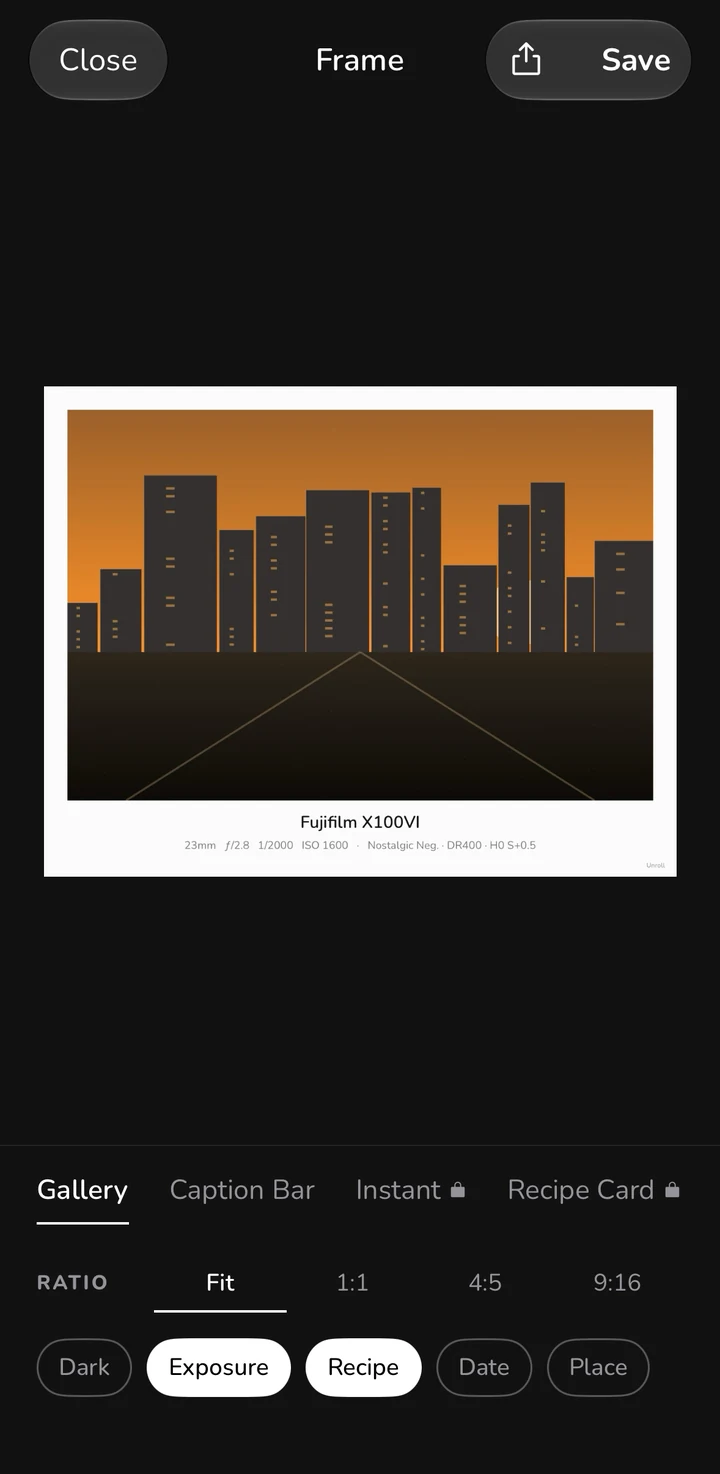
Skip juggling extra framing apps after importing. Frame or build your walk recap right inside Unroll and post immediately.
016 frame styles: Gallery, Caption Bar, Thin (Free) plus Instant, Recipe Card, Film Strip (Pro).
024 export ratios: Fit, 1:1, 4:5, and 9:16 at full resolution, light or dark paper, toggling exposure, recipe, date, and place name.
039:16 Recap cards: Pick up to 6 photos with a route map, distance, duration, shot counts, and film simulation chips.
Interactive Preview
Frame Studio: 6 styles, 4 aspect ratios.
Toggle styles, ratios, and metadata pills to preview how Unroll formats your camera info and film recipe.
Instead of pulling a 60 MB RAW file just to inspect it, Unroll reads only the first 192 KB for EXIF, recipes, and embedded 1–8 MP JPEG previews.
Lossless transfer
Originals untouched
Files copy byte for byte. On iOS, JPG+RAW become one Photos asset; on Android, both keep matching names in DCIM/Unroll.
Zero duplicates
Import Ledger
Tracks previously imported frames locally so tapping All new after shooting more never imports duplicates.
Smart geotagging
Photo Walk + Phone GPS
Logs lightweight GPS trails on your phone or borrows coordinates from phone photos taken within ±20 minutes, corrected via QR Clock Sync.
Color archive
Recipe Book
Collects Fujifilm recipes (including D-Range Priority), Nikon Picture Controls, and Sony Creative Styles automatically as you import.
Private by design
No account · No cloud
Zero logins, zero servers storing your photos or trails, zero analytics, and zero ad SDKs. Everything runs locally on your phone.
Cameras & Formats
Works across standard PTP/MTP cameras and card readers.
Set your camera's USB connection mode to PTP / MTP (or Card Reader) and connect with a USB-C data cable.
Category
Support
Camera Makers
Fujifilm, Sony, Canon, Nikon, Leica, Ricoh, OM System / Olympus, Panasonic Lumix, Pentax (standard USB PTP/MTP devices).
Sources
Direct USB-C (ImageCaptureCore on iOS · USB Host MTP on Android), SD card readers & folders (Files / SAF), and Ricoh GR Wi-Fi (Beta) for GR III / GR IIIx.
Download the Android preview APK directly today, or join early iOS testing while App Store & Google Play listings are finalized.
Direct APK DownloadAndroid 10+ (API 29)v1.0.0 · 34.1 MB
Android (APK Preview)
Install the preview APK directly to test Demo Roll, USB-C MTP cameras, SD cards, Fuji recipe decoding, and Frame Studio ahead of the Google Play release.
Download Unroll-1.0.0-android-preview.apk to your Android device.
Open the downloaded file and allow installation from your browser or file manager.
Note: This preview build is signed with the Android Debug key (includes a Developer toggle in Settings to test Pro locally) prior to the Play Store release.
iOS 17+ · iPadOS 17+iPhone & iPadTestFlight / App Store
iPhone & iPad
Unroll for iOS is completing real-camera verification before TestFlight and App Store release. Because Apple requires App Store or TestFlight distribution, raw iOS binaries cannot be sideloaded from a browser.
Check three things: (1) use a USB-C data cable (some cables are charge-only); (2) set your camera's USB connection mode to PTP / MTP (not webcam or tethered PC); (3) unlock your phone and power on the camera after plugging in. On some Android phones, close Files or Google Photos if they grab the camera automatically.
Where do imported photos go?
On iPhone/iPad: straight into your Apple Photos library (JPG+RAW merge into one unified asset). On Android: saved to DCIM/Unroll so they show up in Google Photos and Gallery apps, with matching JPG and RAW filenames side by side (or Download/Unroll if MediaStore rejects an exotic RAW extension).
Does Unroll compress or alter my original files?
Never. RAW, HEIF, and video files copy byte-for-byte. On iOS, GPS and clock-corrected dates attach at the Photos asset level so originals stay identical. On Android, when location tagging is enabled, Unroll appends a GPS IFD inside the JPEG APP1 header so gallery apps can read coordinates while keeping image pixels, MakerNotes, and film recipes intact. You can toggle this off anytime in Settings.
How do I restore or cancel Unroll Pro?
Restore: open Settings → Restore purchases signed in with the same Apple ID or Google account. Cancel Yearly: manage subscriptions in App Store or Google Play at least 24 hours before renewal; Pro stays active until the end of the paid period.
Do you collect my photos, recipes, or routes?
No. There is no account, no Unroll server receiving your photos or routes, and no analytics or ad SDKs. Only when you request a place name on a Frame or Recap card are coordinates sent to Apple (iOS) or Google (Android) geocoding services. Read the Privacy Policy for complete details.